
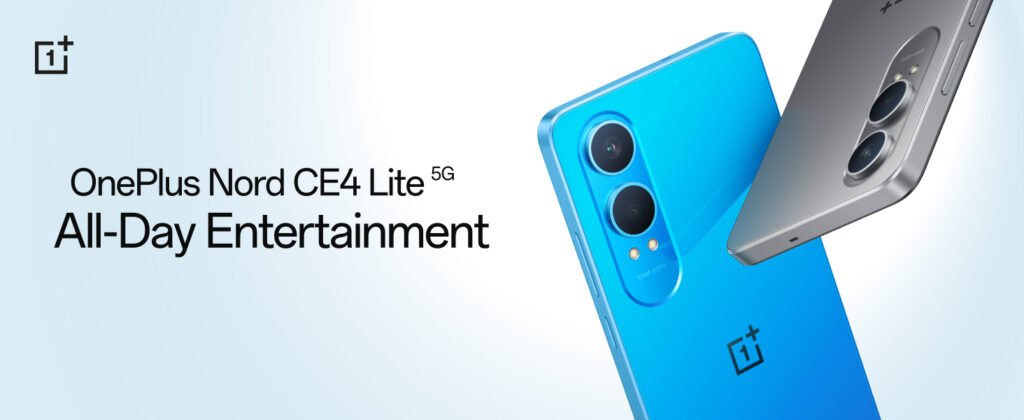
In an exciting move, OnePlus has rolled out the Android 15 update for its popular budget smartphone, the OnePlus Nord CE4 Lite, making it one of the first budget devices to receive the latest Android version. While flagship models from brands like Google and Samsung often get early access to new updates, OnePlus is shifting the narrative by pushing updates to its mid-range segment promptly.
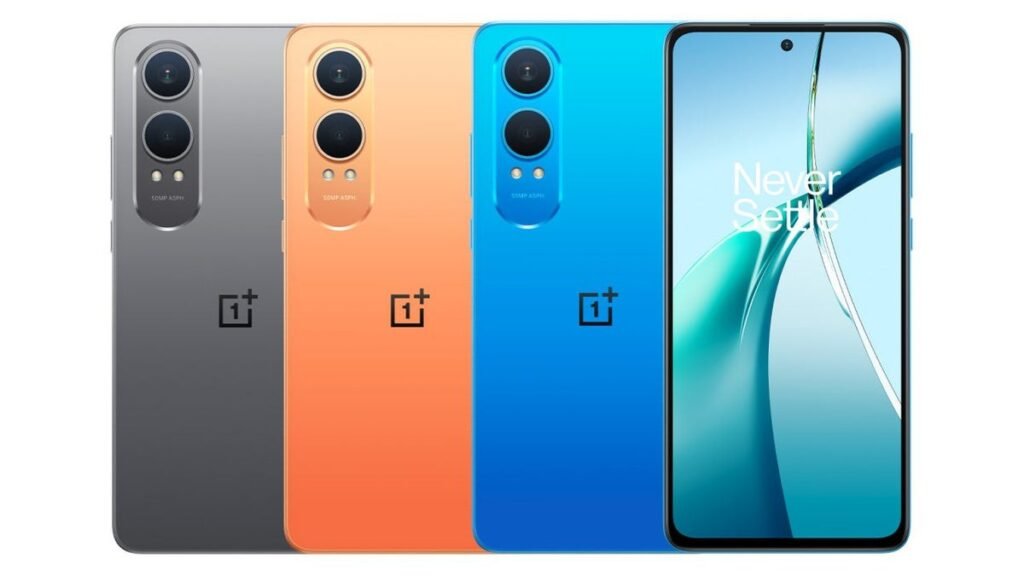
Android 15 on a Budget: What It Means
The OnePlus Nord CE4 Lite getting Android 15 ahead of many other devices is a big win for users who prefer budget-friendly phones without compromising on software support. The update brings a range of new features, performance improvements, and enhanced privacy settings that were previously reserved for high-end models.
Here’s what Android 15 offers to Nord CE4 Lite users:
- Enhanced Privacy & Security: More control over app permissions and background activities.
- Performance Boost: Better memory management and smoother multitasking.
- Battery Life Improvements: Background task limitations lead to more efficient battery usage.
- Updated UI: A cleaner, more fluid visual design that aligns with Google’s Material You philosophy.
- New Accessibility Features: Including easier screen magnification and enhanced audio controls.
OnePlus Sets a New Standard
Traditionally, budget smartphones receive major Android updates after a long delay — sometimes not at all. OnePlus is changing this pattern, especially with the Nord series. This move could set a new standard for other Android OEMs to prioritize timely updates for all segments, not just the flagship ones.
FAQs About Android 15 on OnePlus Nord CE4 Lite
1. When will the Android 15 update be available for all users of OnePlus Nord CE4 Lite?
The rollout is currently in phases. Some users may already have the update, while others will receive it in the coming weeks, depending on their region.
2. How can I check if the update is available on my device?
Go to Settings > System > Software Update and tap Check for updates.
3. Will Android 15 slow down my Nord CE4 Lite?
No. In fact, Android 15 is optimized for better performance, especially on mid-range devices like the CE4 Lite.
4. What are the main features of Android 15?
Key features include enhanced privacy, notification control, smoother animations, and better battery optimization.
5. Is the update safe to install?
Yes, as long as you’re downloading it via the official OTA update, it’s completely safe and recommended.


