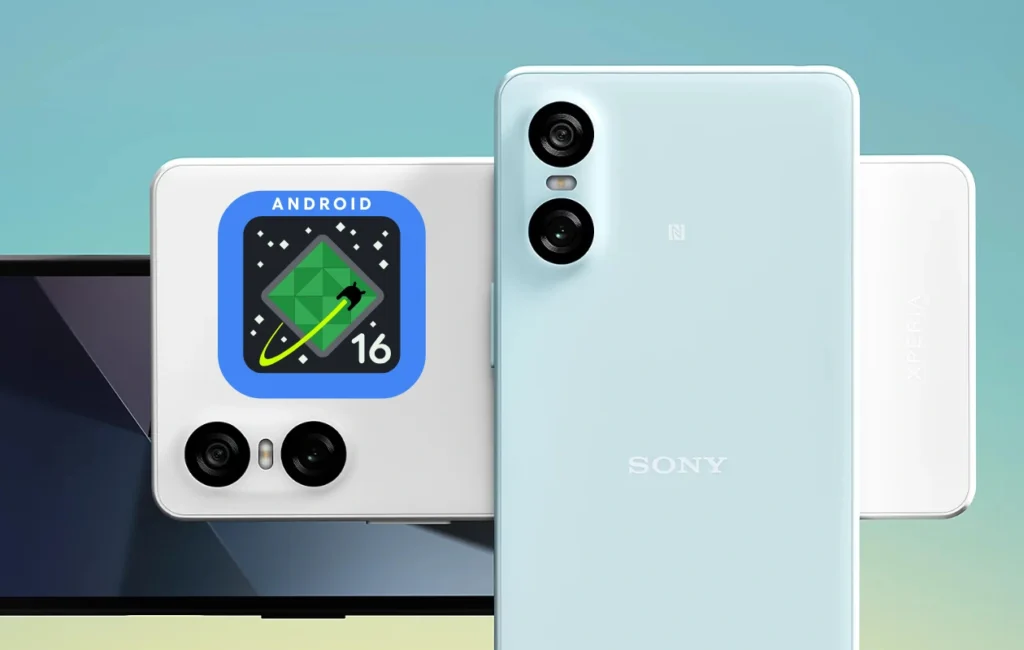
Sony has officially begun rolling out the stable Android 16 update for its mid-range smartphone, the Sony Xperia 10 VI, marking an important milestone for Xperia users. The update focuses on improved system stability, enhanced privacy features, and better performance, bringing users closer to a seamless Android experience. Released globally in phases, this update demonstrates Sony’s commitment to long-term software support and device optimization.
Key Highlights of the Android 16 Update
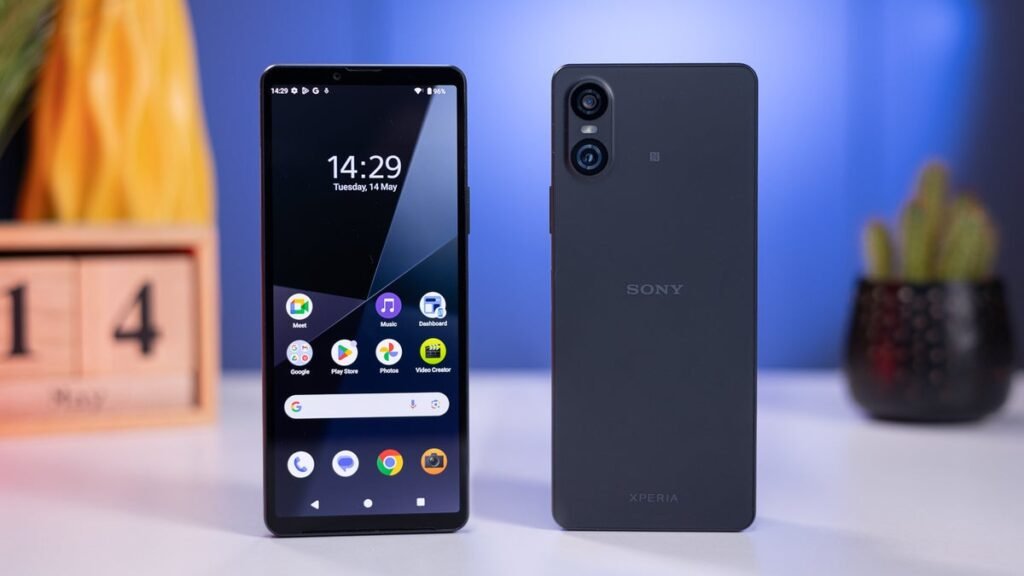
The Android 16 update for the Sony Xperia 10 VI is packed with several performance upgrades and refinements that improve usability and day-to-day performance. Among the most notable features are the refreshed user interface, faster app launches, and enhanced AI-driven battery optimization. Sony has also worked on improving the camera processing engine, offering more natural color tones and better low-light photography performance.
In addition, Android 16 introduces a series of privacy improvements. Users now get more transparent app permission controls, allowing them to see which apps are accessing location, camera, or microphone data in real time. This aligns with Google’s focus on user privacy and data protection.
Performance and System Enhancements
Sony Xperia 10 VI owners will notice smoother multitasking and faster response times after installing the update. Android 16’s core optimizations, combined with Sony’s lightweight software skin, ensure that even intensive apps run more efficiently. The update also includes refinements to adaptive battery management, which intelligently learns usage patterns and allocates resources accordingly, resulting in longer screen-on time.
Furthermore, Sony has included new accessibility tools, including improved text readability, high-contrast themes, and customizable gesture controls, making the device more user-friendly for all audiences.
Camera and Multimedia Improvements
The Xperia 10 VI, known for its reliable camera setup, benefits from several software-level improvements. Android 16 fine-tunes image processing to reduce overexposure and noise, especially in night mode. Sony’s own Photography Pro and Videography Pro apps also get smoother transitions and faster focus locking.
In multimedia, the update enhances audio output with LDAC and 360 Reality Audio optimizations, improving the overall listening experience. Combined with the phone’s OLED display and Sony’s display tuning, users can expect a richer, more immersive entertainment experience.
Security and Update Support
The Android 16 build for the Xperia 10 VI includes the latest October 2025 security patch. This ensures protection against known vulnerabilities and system exploits. Sony continues its tradition of providing reliable software support, promising regular updates and long-term stability for its mid-range lineup.
How to Install the Update
Users can check for the update by going to Settings > System > Software Update. The rollout is being released in batches, so it might take a few days before it reaches all devices worldwide. It is recommended to have at least 50% battery and a stable Wi-Fi connection before initiating the installation.
Final Thoughts
With the arrival of Android 16, the Sony Xperia 10 VI becomes even more capable and secure. From refined system performance to better privacy controls and multimedia improvements, this update elevates the overall user experience. Sony continues to prioritize software quality, ensuring that Xperia users enjoy the best that Android has to offer.
FAQs
1. What is the size of the Android 16 update for Sony Xperia 10 VI?
The update size is approximately 1.2GB, though it may vary slightly depending on the region.
2. Does the Android 16 update improve camera quality on the Xperia 10 VI?
Yes, the update includes enhancements in image processing and low-light photography performance.
3. Will this update affect my existing apps or data?
No, your data and apps will remain safe, but it is recommended to back up your data before updating.
4. Is the update available globally?
Yes, the rollout has started globally in phases and will reach all users soon.
5. How can I manually check for the update?
Go to Settings > System > Software Update to manually check and install the update.