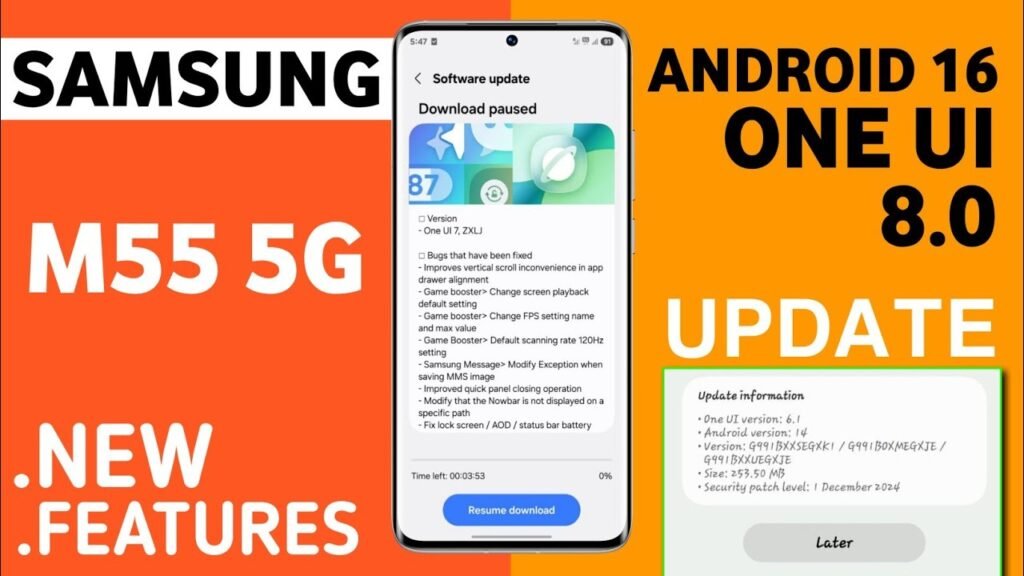
Samsung has officially started rolling out the Android 15-based One UI 8 stable update for the Galaxy M55 and M55s smartphones. This latest update brings a host of performance improvements, new customization options, and enhanced privacy features designed to elevate the overall Galaxy experience. Both devices, which are part of Samsung’s popular mid-range M-series, are now getting the same flagship-level software features that were initially reserved for premium models.
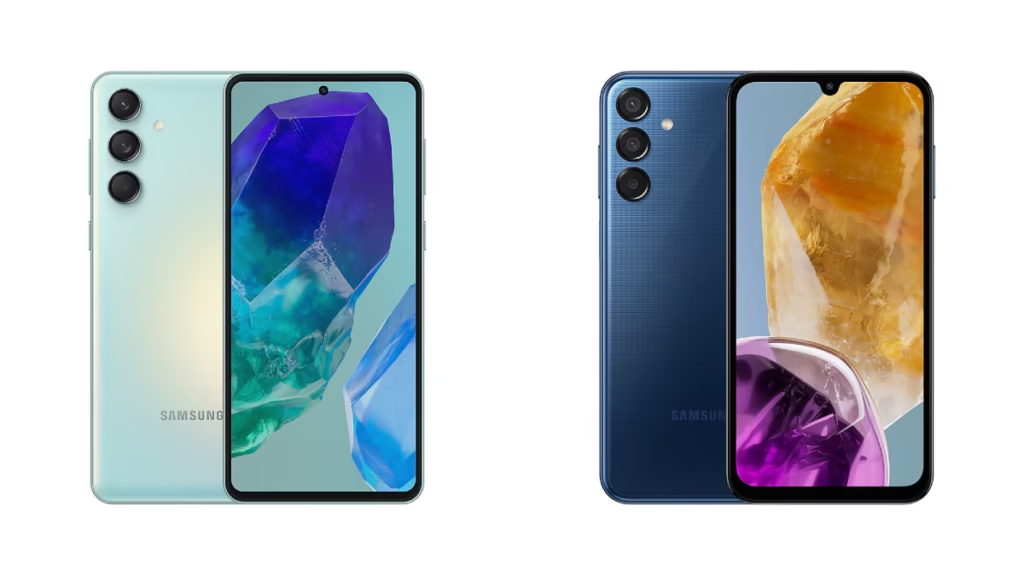
A Major Software Upgrade
New Features and Enhancements
One of the biggest highlights of the One UI 8 update is its focus on personalization and security. Users can now enjoy:
- Enhanced lock screen customization with new clock styles, wallpapers, and widgets.
- Improved privacy controls, including better permission management and live indicators when the camera or microphone is in use.
- Smarter AI features, such as improved Samsung Keyboard suggestions and contextual search powered by Galaxy AI.
- Better integration with Galaxy Ecosystem, allowing seamless connectivity with Galaxy Buds, Watch, and Tab.
- Updated Samsung apps like Gallery, Notes, and Messages with improved UI and productivity tools.
Performance and Battery Optimization
With this new update, Samsung has optimized the performance of the M55 lineup. The update fine-tunes CPU and GPU usage, resulting in smoother gaming and app performance. Battery optimization has also been improved, reducing background activity for less frequently used apps. The Adaptive Battery feature learns user habits to ensure longer screen time and efficient power consumption.
Availability and Download
The One UI 8 update is being rolled out in phases. Initially, it’s available in select regions, and Samsung plans to expand the rollout globally in the coming weeks. Users can manually check for the update by navigating to:
Settings → Software update → Download and install.
It is recommended to back up your important data and connect your phone to Wi-Fi before downloading the update to ensure a smooth installation process.
What’s Next for Galaxy M-Series?
With the introduction of Android 15-based One UI 8, Samsung continues to demonstrate its commitment to providing long-term software support to mid-range devices. The M55 series, launched with Android 14, is now one step closer to enjoying flagship-grade software stability. Future security patches and One UI enhancements will further extend the usability of these devices over the next few years.
FAQs
1. What is the size of the One UI 8 update for Galaxy M55 and M55s?
The update size is approximately 2.5GB, but it may vary slightly depending on the region and carrier.
2. Will the One UI 8 update delete my existing data?
No, the update preserves your data, but it’s recommended to back up important files before installation.
3. How can I check if the update is available on my device?
Go to Settings → Software update → Download and install to check for updates manually.
4. What Android version does One UI 8 run on?
One UI 8 is based on Android 15, the latest version of Google’s mobile operating system.
5. Is this the final update for the Galaxy M55 and M55s?
No, Samsung has promised several more updates, including security patches and future One UI refinements.