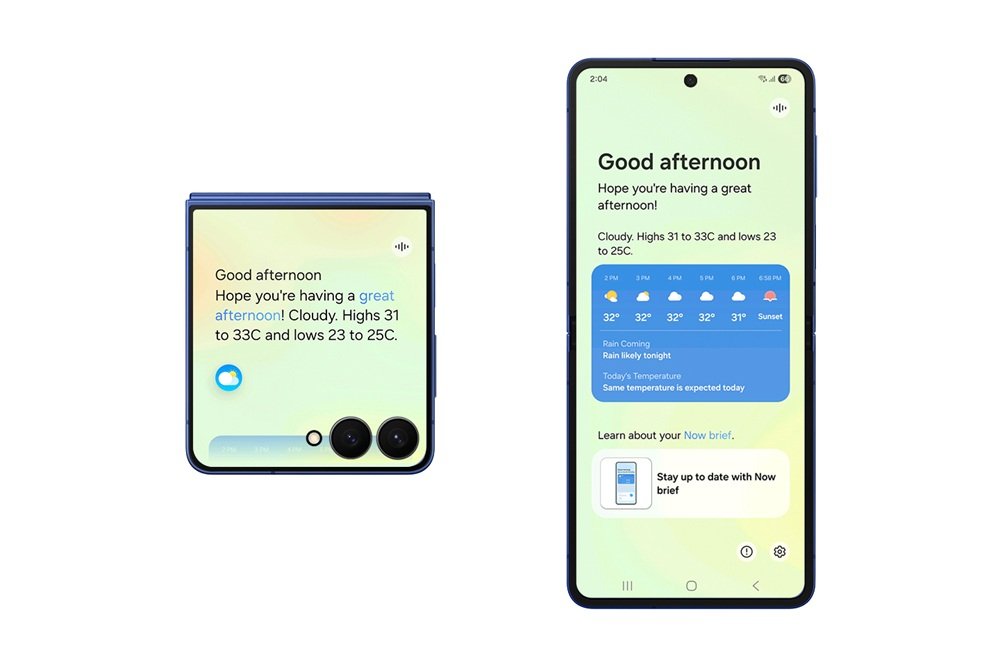
Samsung has officially started rolling out its highly anticipated One UI 8 update for the Galaxy S25 series, marking a major step forward in software experience for flagship device owners. Packed with design enhancements, performance improvements, and intelligent AI-powered features, One UI 8 aims to deliver a smoother, more intuitive user experience.
A Fresh, Refined Design
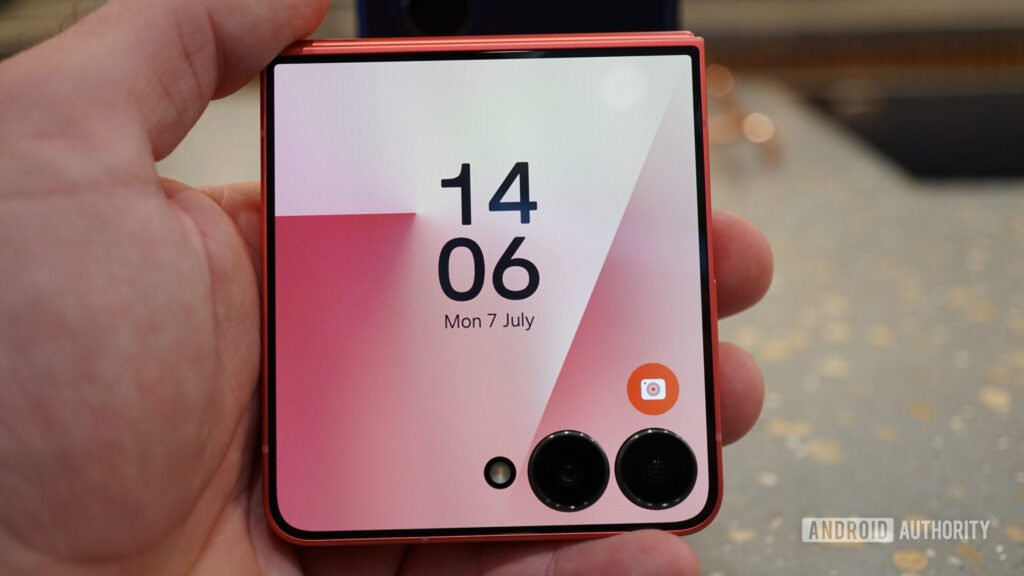
The One UI 8 brings a more polished interface, featuring cleaner icons, smoother animations, and improved customization options. Samsung has introduced new themes, wallpapers, and widget designs that align better with its modern design philosophy. The update focuses on visual consistency, ensuring that the overall user experience feels unified and easy to navigate.
Enhanced Performance and Stability
With One UI 8, Samsung has optimized background processes and reduced unnecessary system load, resulting in faster app launches and improved multitasking performance. The Galaxy S25 series, already powered by the latest Snapdragon and Exynos chipsets (depending on the market), now benefits from software-level enhancements that boost efficiency and battery life.
AI-Powered Features
One of the highlights of One UI 8 is its deeper integration of AI. From smarter photo editing tools to predictive app suggestions, Samsung has made AI a central part of the experience. The update also enhances Samsung Notes, voice commands, and multitasking with AI-driven smart features designed to save time and boost productivity.
Improved Privacy and Security
Samsung continues to prioritize user safety. One UI 8 introduces enhanced privacy dashboards, giving users better insights into which apps access personal data such as camera, microphone, or location. Additionally, Samsung Knox has been upgraded, providing enterprise-level security features to all Galaxy S25 owners.
Galaxy Ecosystem Integration
The update strengthens Samsung’s ecosystem by improving continuity features between Galaxy smartphones, tablets, and wearables. Quick Share, SmartThings, and seamless device switching now work more efficiently, allowing users to stay connected across multiple devices without interruptions.
Availability and Rollout Schedule
Currently, the One UI 8 update is rolling out first to Galaxy S25, S25+, and S25 Ultra users in select regions. Global availability is expected to expand gradually over the coming weeks. Users can check for the update manually by going to Settings > Software Update > Download and Install.
With the arrival of One UI 8, the Galaxy S25 series becomes even more future-ready, combining powerful hardware with an optimized software ecosystem.
8-Word Title
“Samsung Rolls Out Official One UI 8 for S25”
FAQs
Q1. Which devices are receiving the One UI 8 update first?
The rollout begins with the Galaxy S25, S25+, and S25 Ultra, with other eligible models expected later.
Q2. How can I update my Galaxy S25 to One UI 8?
You can check manually by navigating to Settings > Software Update > Download and Install.
Q3. What are the main new features of One UI 8?
Key highlights include a refined design, AI-powered tools, performance improvements, better privacy controls, and ecosystem enhancements.
Q4. Will One UI 8 improve battery life?
Yes, Samsung has optimized background tasks and processes to ensure improved efficiency and longer battery performance.
Q5. Is One UI 8 available worldwide right now?
The rollout is starting in select regions and will expand globally in phases over the coming weeks.