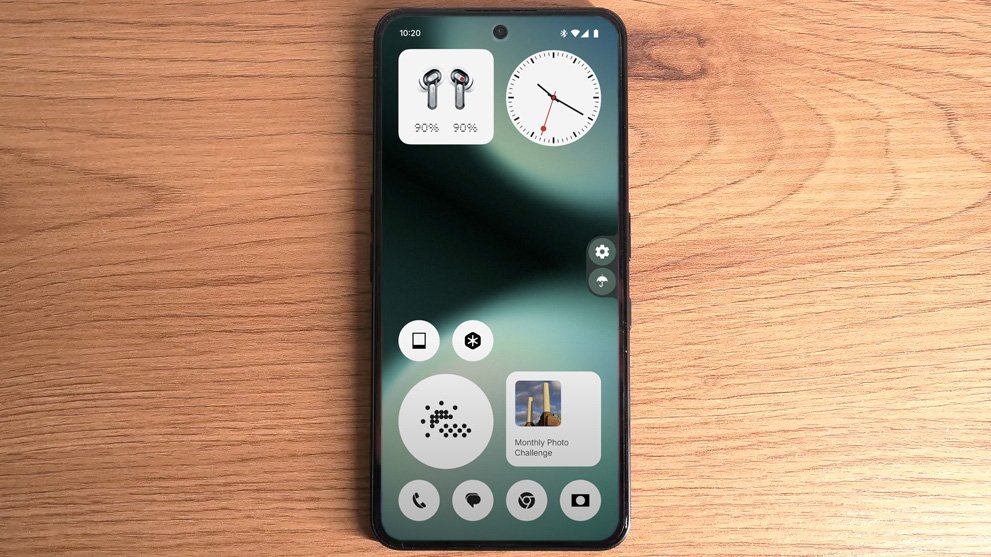
We’re excited to announce that the Open Beta for Nothing OS 4.0, built on Android 16, is now available for supported devices. This marks a major milestone in our ongoing mission to bring a fast, clean, and uniquely functional software experience to Nothing users around the world.
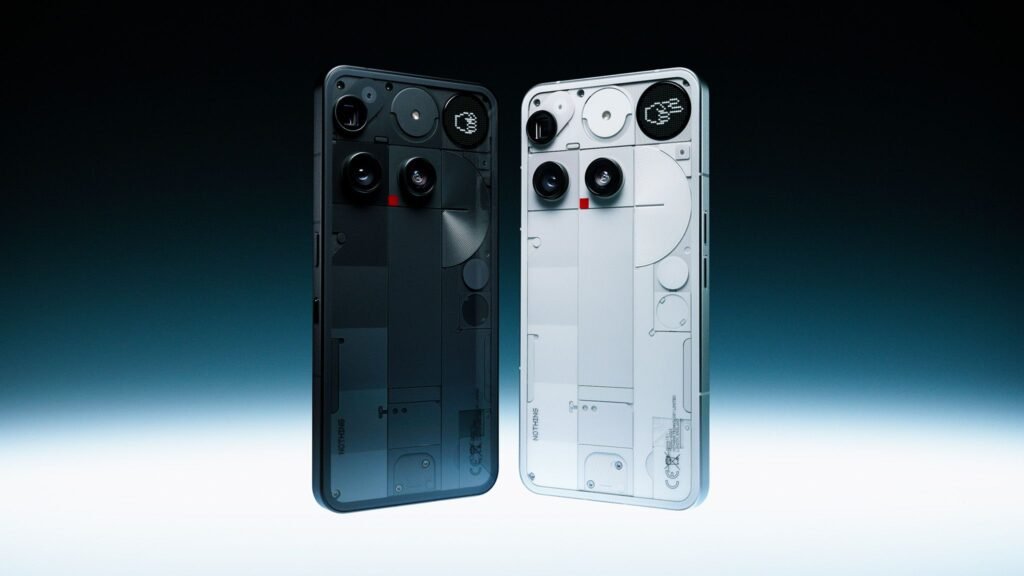
This release combines the best of Android 16’s core improvements with Nothing’s distinct design language and feature set. Whether you’re a developer, enthusiast, or everyday user, the new beta version gives you an early taste of what’s coming in the stable release later this year.
Let’s dive into what’s new.
What’s New in Nothing OS 4.0
1. Built on Android 16
Android 16 introduces deeper customization, enhanced security, and more efficient background processing. With this foundation, Nothing OS 4.0 brings increased performance and a more stable system. Apps load faster, battery life is extended, and multitasking feels smoother than ever.
2. Refined Nothing Design Language
We’ve fine-tuned our visual design with a cleaner layout, better contrast, and more responsive animations. Elements like the Quick Settings, volume sliders, and lock screen controls have been redesigned to feel more fluid and intuitive while still staying true to Nothing’s minimal aesthetic.
3. Smarter Customization Tools
New personalization options let users adjust the interface to fit their style. From enhanced icon packs and updated Glyph interface controls to advanced theme settings, users can tailor their phones more deeply than before.
4. Glyph Interface Enhancements
The Glyph Interface receives a significant update with more integrations and improved controls. Now, users can assign specific Glyph patterns to contacts and apps with expanded conditions and more granular triggers.
5. Improved Security & Privacy
Nothing OS 4.0 takes advantage of Android 16’s latest security features, including upgraded biometric protection, more transparent permission handling, and sandboxing improvements. You’re in control of your data—now more than ever.
6. Performance Optimizations
We’ve reduced memory usage across the system, improved touch responsiveness, and minimized battery drain with better app background management. Nothing OS 4.0 is leaner, faster, and more efficient.
How to Join the Open Beta
The Open Beta is currently available for:
- Phone (2)
- Phone (1) (rollout may be slightly delayed)
To join the beta program:
- Back up your data (as beta software may contain bugs).
- Head to the Nothing website or Community forums.
- Download the OTA beta package and follow the installation steps.
Note: As with any beta, bugs and issues are expected. We encourage feedback via the official channels to help us refine the experience before the stable release.
When Will the Stable Version Launch?
While we don’t have a confirmed date yet, the stable version of Nothing OS 4.0 is expected to roll out by early 2026, pending feedback and further testing.
FAQs
1. Who can install the Nothing OS 4.0 Open Beta?
The beta is currently available for Nothing Phone (2) users, with Phone (1) support coming shortly. It’s recommended for users comfortable with testing pre-release software.
2. Will installing the beta erase my data?
Installing the beta over the stable build may not erase data, but a full backup is strongly advised. Downgrading back to a stable version will wipe your device.
3. Can I return to the stable version after installing the beta?
Yes, but you’ll need to perform a clean install, which will erase all data. Instructions are available on the Nothing Community site.
4. Are there any known issues in the beta?
As with any beta, bugs, battery drain, and minor UI glitches may be present. We’re actively working to resolve these based on community feedback.
5. How do I report bugs or feedback?
Please use the Feedback Tool within the beta software or visit the Nothing Community forums to share your experience with our development team.