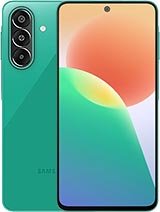
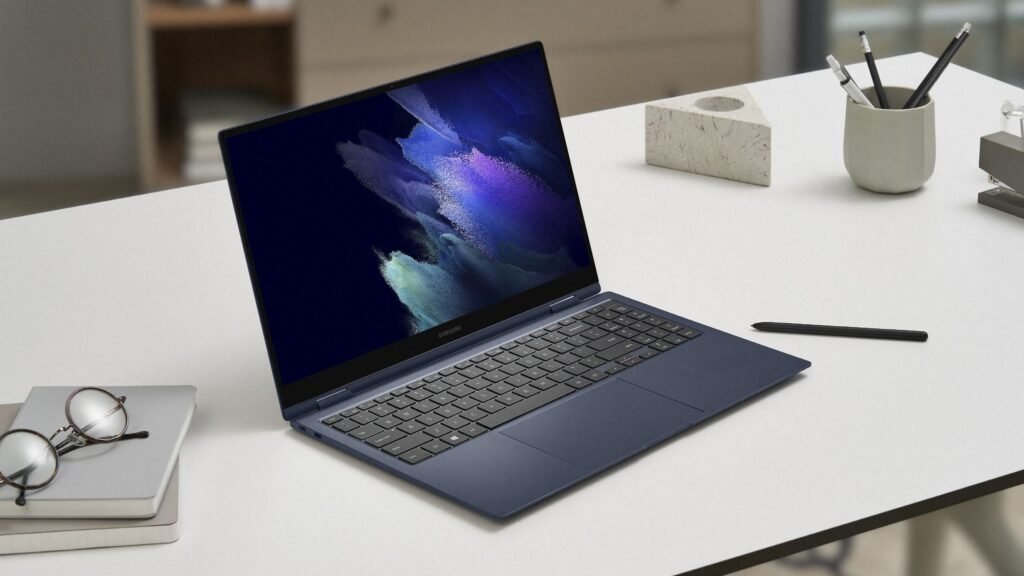
Samsung is taking a significant step forward in unifying its ecosystem by bringing its popular One UI interface to laptops. Known for its clean design, intuitive navigation, and user-friendly features on smartphones and tablets, One UI has played a major role in shaping Samsung’s software identity. Now, the company is extending that experience beyond mobile devices, aiming to create a more seamless and connected environment for users across multiple platforms.
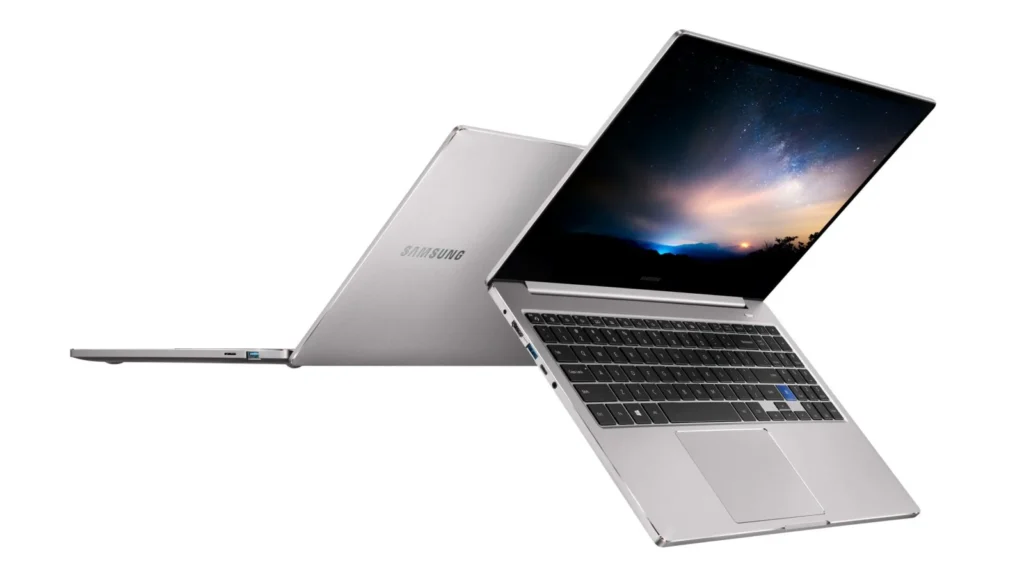
The move reflects Samsung’s broader vision of ecosystem integration. Over the years, the company has steadily built connections between its smartphones, tablets, wearables, and smart home devices. By introducing One UI to laptops, Samsung is closing an important gap and offering users a more consistent interface regardless of the device they are using. This consistency can significantly improve productivity, especially for users who frequently switch between devices throughout the day.
One UI on laptops is expected to retain the core principles that made it successful on mobile devices. These include a focus on simplicity, accessibility, and ease of use. The interface is likely to feature cleaner layouts, better spacing, and improved readability, making it easier for users to interact with their laptops for extended periods. Features such as dark mode, customizable themes, and enhanced multitasking tools could also play a central role in the laptop experience.
Another key advantage of bringing One UI to laptops is the potential for deeper cross-device integration. Users may benefit from smoother file sharing, synchronized notifications, and unified settings across their Samsung devices. For example, starting a task on a smartphone and continuing it on a laptop could become more seamless. Similarly, features like clipboard sharing, app continuity, and quick device switching may become more refined and reliable.
This development also highlights Samsung’s intent to compete more aggressively in the laptop space. While the company has already released several laptops under its Galaxy Book lineup, software has often been a differentiating factor in this category. By introducing a familiar and optimized interface like One UI, Samsung can offer a more cohesive experience that stands out from traditional laptop operating environments.
Performance and optimization will be critical to the success of One UI on laptops. Unlike smartphones, laptops handle a wider range of tasks, from heavy multitasking to professional workloads. Samsung will need to ensure that the interface remains responsive and efficient while supporting various hardware configurations. If executed well, One UI could enhance both casual use and productivity-focused workflows.
The introduction of One UI to laptops may also open the door for new features designed specifically for larger screens. Enhanced window management, improved keyboard and trackpad gestures, and better support for external displays could be part of this evolution. These additions would help tailor the experience to laptop users while maintaining the familiar look and feel of One UI.
Overall, Samsung’s decision to bring One UI to laptops represents a strategic move toward a more unified ecosystem. By aligning the user experience across devices, the company is making it easier for users to stay connected, productive, and comfortable within its ecosystem. As this transition unfolds, it will be interesting to see how Samsung refines the experience and what new possibilities emerge from this expanded software approach.
FAQs:
1. What is One UI?
One UI is Samsung’s custom software interface designed to provide a clean, intuitive, and user-friendly experience across its devices.
2. Why is Samsung bringing One UI to laptops?
Samsung aims to create a unified ecosystem where users can enjoy a consistent experience across smartphones, tablets, and laptops.
3. Will One UI replace existing laptop operating systems?
It is more likely to work alongside existing systems, enhancing the interface rather than completely replacing the core operating system.
4. What features can users expect on laptops?
Users can expect improved multitasking, better cross-device integration, customizable themes, and a cleaner interface.
5. How will this benefit Samsung users?
It will make switching between devices smoother, improve productivity, and provide a more consistent and connected experience.